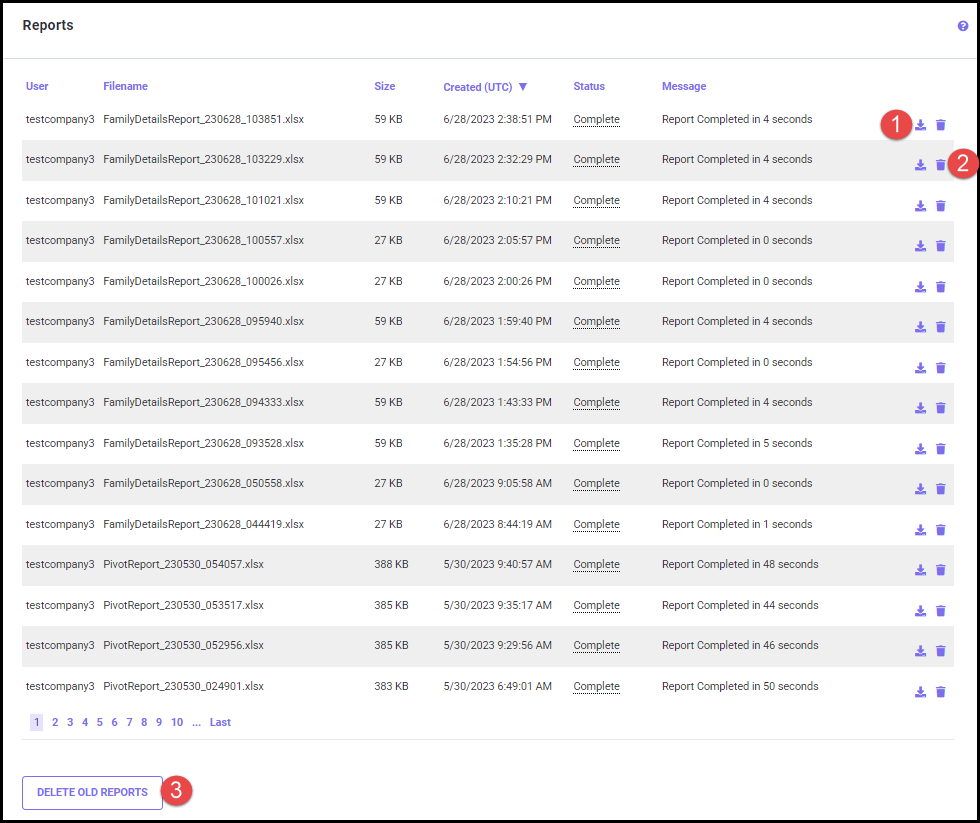
Click the download icon (1) next to the file name to download the report. The delete icon (2) next to the file name allows you to delete the specific report.
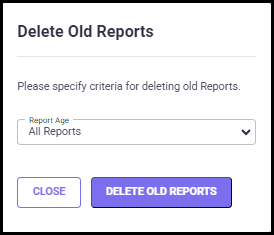
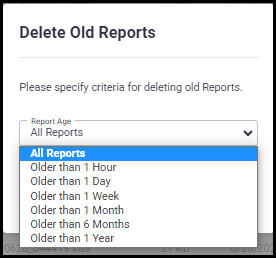
To Delete the old report or report by age, click on the DELETE OLD REPORTS button (3). This opens the Delete Old Reports tab (shown below), where you can delete all reports or by age. Click on the CLOSE button to return to the Download Reports screen without saving the changes.