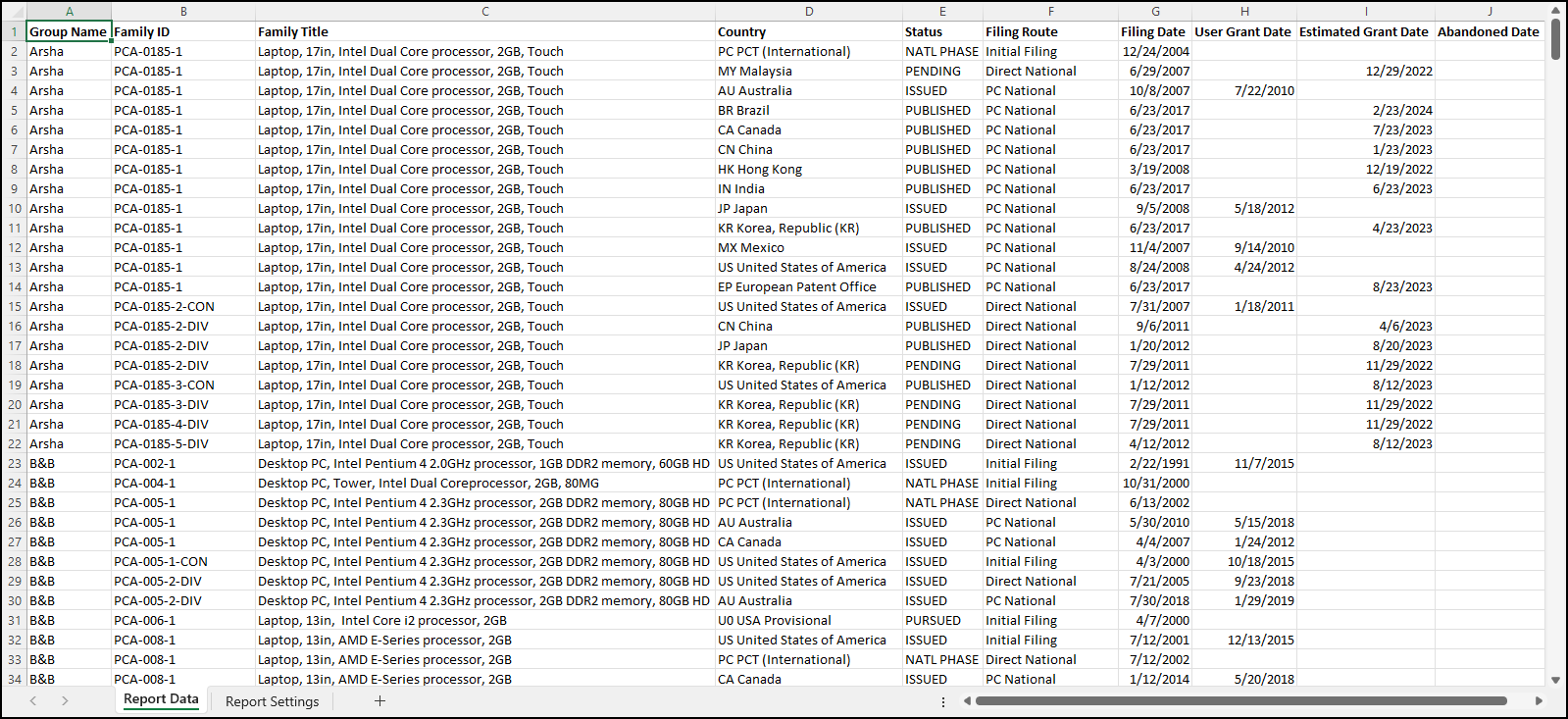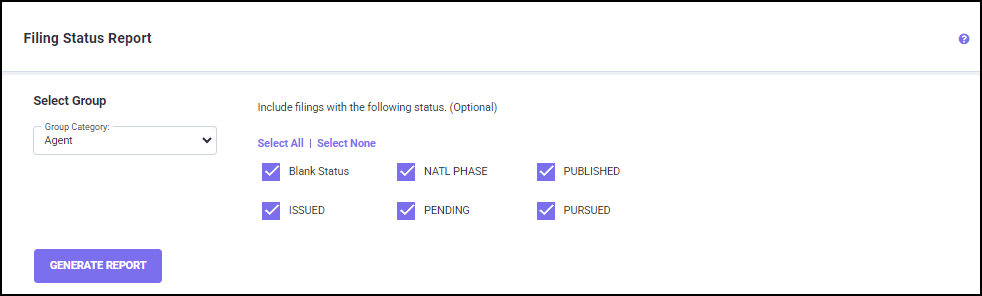
On the right side of the above screen, the status of all filings in the current database can be chosen and separate reports can be generated. Reports can be sorted by group. At the top left corner of the screen there is a drop-down menu for selecting the Group Category. Once you select the Group Category and Filing Status, click on the GENERATE REPORT button to initiate calculations. You will be directed to the Download Reports screen, where the generated Filing Status Report is ready for download.