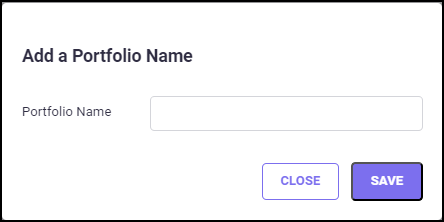
To create a new database, click the ADD NEW PORTFOLIO button and the following pop-up will appear. Enter the desired Portfolio name in the "Portfolio Name" text box and click SAVE.
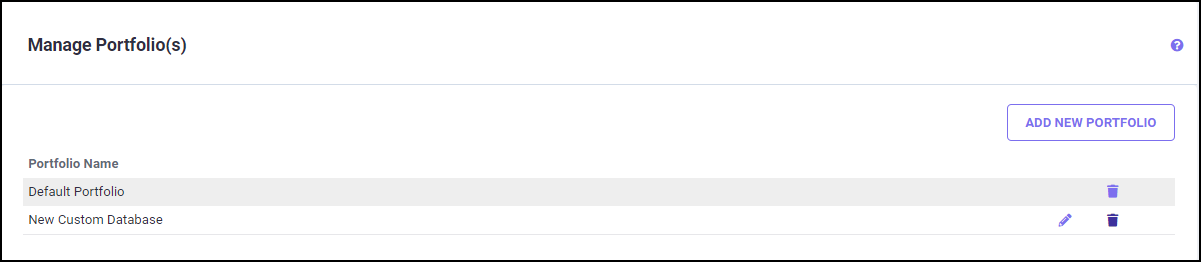
Now you can see the newly created portfolio name on the Manage Portfolio(s) screen.
To rename a Portfolio, click the edit icon next to the portfolio name you wish to update. The following pop-up screen will appear.
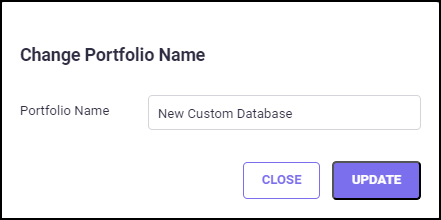
Update the name in the "Portfolio Name" text box and click UPDATE to save the changes.
To delete a Portfolio, click the delete icon next to the portfolio name you want to delete, and the following pop-up screen will appear.
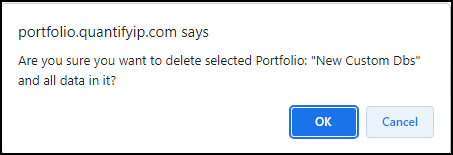
Confirm your selection by clicking OK on the pop-up screen. Once the portfolio is deleted, it cannot be reverted.