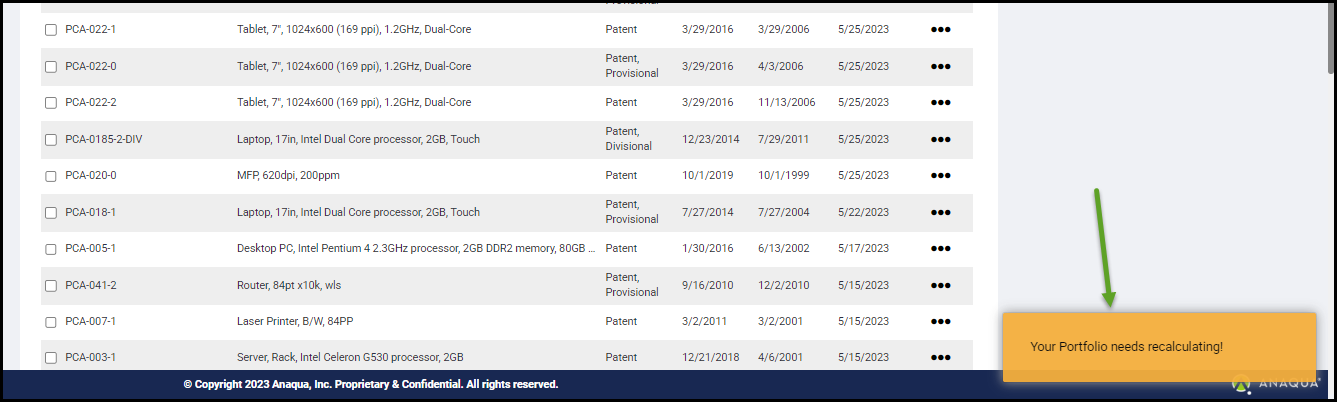
Clicking on the RECALCULATE PORTFOLIO (1) button starts the recalculation process.
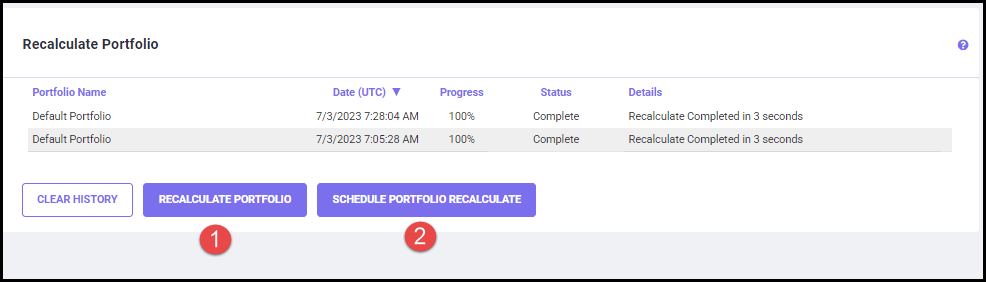
Clicking on the CLEAR HISTORY button allows you to clear all the Recalculation history.
Clicking on the SCHEDULE RECALCULATE PORTFOLIO (2) button helps you to schedule the recalculation process to your preferred date and time (shown below).
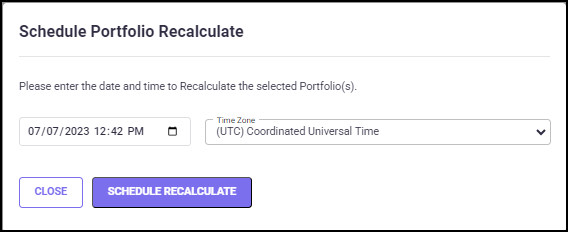
Choose your preferred date/time for scheduling the Recalculation process and select a time zone. Click on the SCHEDULE RECALCULATE button to confirm your choice. The Scheduled Recalculation is now listed on the Recalculation Portfolio screen.